

 Doc Summary

Credit/Debit Card #
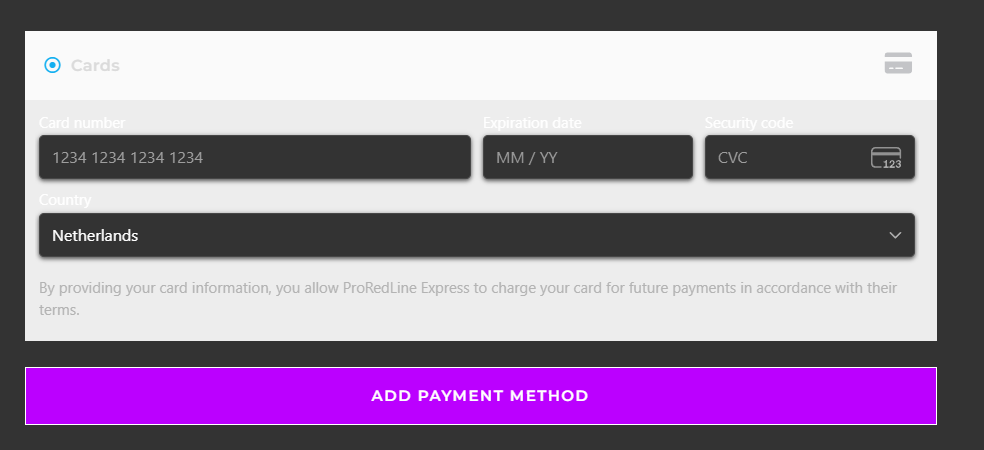
When a credit/debit card is saved, our system (AUTOPAY) will use that card 7 days before the due date to renew your subscription. If you wish to change this card, please go to your my.proredline.com account, go to ‘Store & Other Settings’ and click ‘Saved Payment Methods’. Here you can update, add or remove any saved credit/debit cards. Please note that our system will use any saved credit/debit cards for future payments until the card has been removed.
Other payment methods #
We do not support automatic payments or saved payment methods with all of our other payment options. If you wish to use a payment method other than credit/debit card, you’ll need to manually complete the payment for each subscription renewal. When manually making a payment, all payment methods (which are supported in your country), are available to use.
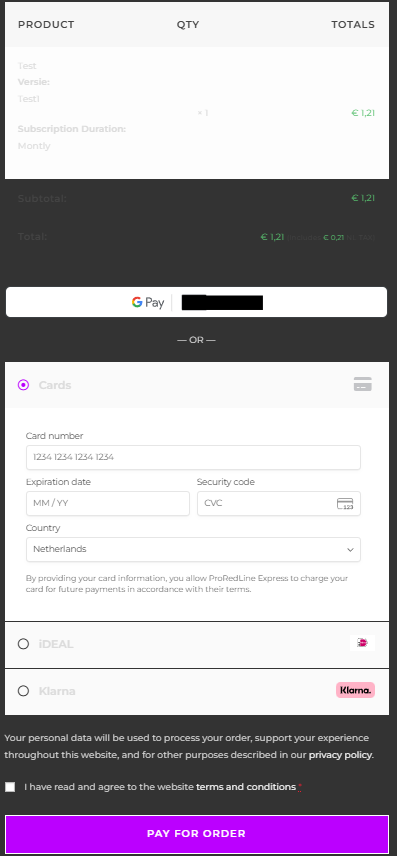
This is an example of a manual subscription renewal checkout page for the Netherlands:
Still need help after reading this article?
